
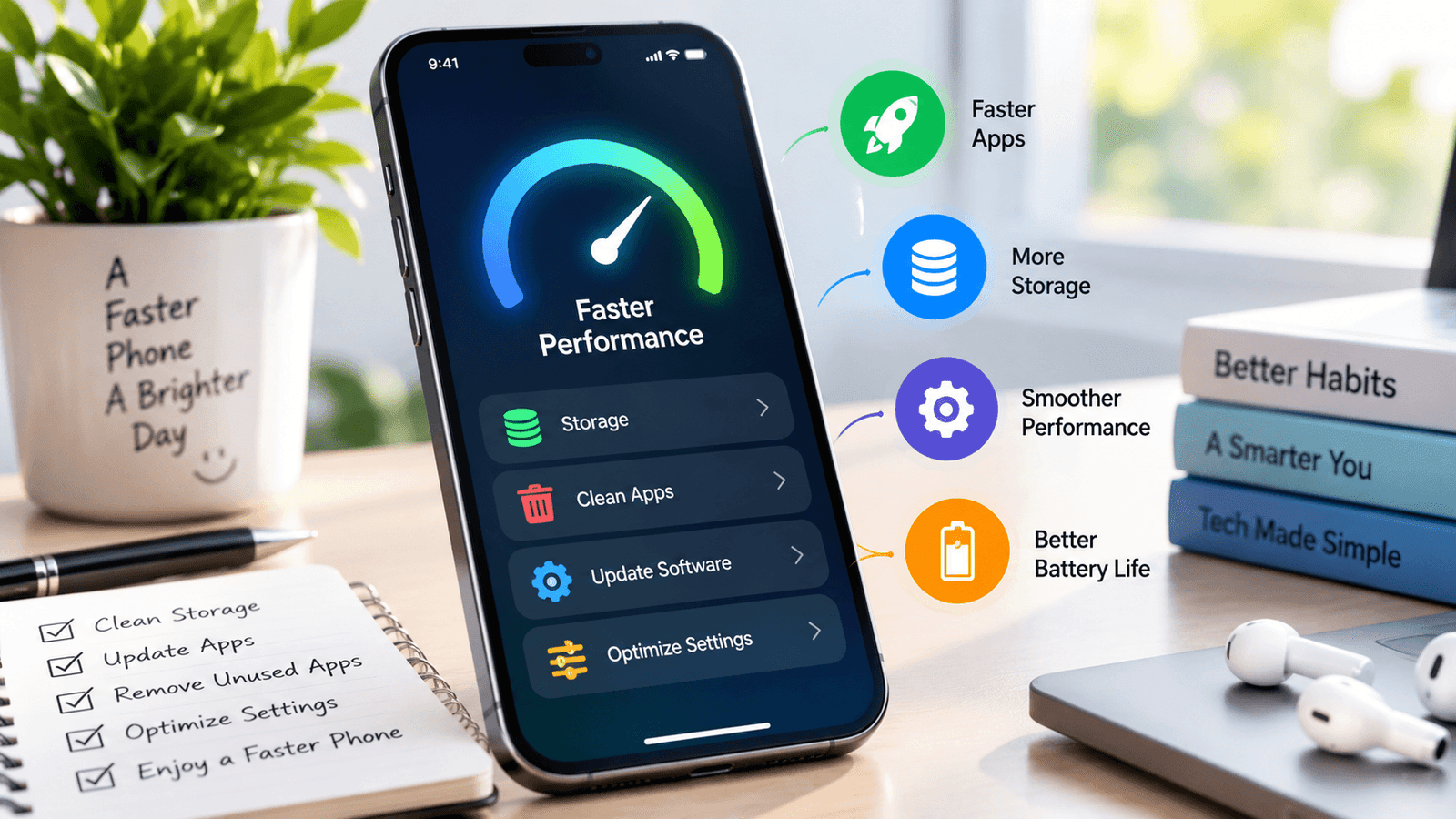
How to Make Your Phone Faster: 10 Simple Tips That Work in 2026
Is your phone becoming slower than it used to be? Apps may take longer to open, websites can feel sluggish, and switching between applications may not be as smooth as before.
A slow phone does not always mean that you need to buy a new device. Storage, background activity, outdated applications, software problems, and other factors can affect smartphone performance.
In this guide, you will learn 10 simple ways to make your phone faster and keep it running smoothly in 2026.
Table of Contents
- 1. Free Up Storage Space
- 2. Remove Apps You Don't Use
- 3. Restart Your Phone Regularly
- 4. Keep Apps and Software Updated
- 5. Reduce Unnecessary Background Activity
- 6. Clear Unnecessary Cached Data
- 7. Reduce Unnecessary Animations
- 8. Clean Up Your Browser
- 9. Check Battery and Performance
- 10. Consider a Factory Reset as a Last Resort
- Frequently Asked Questions
1. Free Up Storage Space
One of the first things to check when a phone feels slow is available storage.
Photos, videos, downloaded files, applications, and other data can gradually take up a large amount of space.
Open your phone's storage settings and check how much space is available. Remove files you no longer need and back up important photos or videos before deleting them.
Start with large files, old downloads, duplicate photos, and content you no longer use.
2. Remove Apps You Don't Use
Unused applications take up storage, and some may continue to perform background tasks.
Look through your installed applications and remove apps that you no longer need.
Before uninstalling an application, make sure you do not need information stored only inside that app.
3. Restart Your Phone Regularly
A simple restart can sometimes resolve temporary software problems and background processes that have been running for a long time.
If your phone suddenly becomes slow, restarting it is one of the easiest troubleshooting steps to try.
4. Keep Apps and Software Updated
Software updates can include bug fixes, security improvements, and performance changes.
Check your phone's software-update settings and application store regularly.
Only install updates from official sources and make sure your phone has enough storage available before performing a major update.
5. Reduce Unnecessary Background Activity
Some applications continue to synchronize data or perform other tasks while you are not actively using them.
Review your battery and application settings to identify apps that use a large amount of background activity.
Restrict background activity where appropriate, but avoid disabling important functions such as messaging, security, or services you rely on.
6. Clear Unnecessary Cached Data
Applications can store temporary files to help them load information quickly. Over time, some cached data can become unnecessary.
On supported devices, review application storage settings and clear cached data when appropriate.
Be careful not to delete important application data by mistake. Cached data and application data are not always the same thing.
7. Reduce Unnecessary Animations
Modern phones use animations to make menus and transitions look smoother. On some devices, reducing visual effects can make an older phone feel more responsive.
The available options depend on your phone and operating system. Look in your accessibility, display, or developer settings if your device offers animation controls.
This does not increase the phone's actual processing power, but it can make some interactions feel faster.
8. Clean Up Your Browser
If websites are loading slowly, the problem may sometimes be related to your browser rather than the entire phone.
Review old browser tabs, remove unnecessary downloads, and check the browser's storage settings.
If one particular website is slow while other websites work normally, the problem may be with that website or your internet connection rather than your phone.
9. Check Battery and Performance
An aging battery can affect the overall experience of a smartphone. Check your phone's battery settings to see whether the manufacturer provides information about battery health or performance.
Also check which applications are using the most battery. An application that constantly consumes power in the background may contribute to performance or battery problems.
10. Consider a Factory Reset as a Last Resort
If your phone remains extremely slow after trying the simpler solutions, a factory reset may be an option.
However, this should not be your first step.
A factory reset removes personal data and returns the phone to a reset state. Before doing this, back up important photos, contacts, documents, messages, and other information.
Also make sure you know the account credentials required to set up the device again.
What Makes a Phone Slow?
There is usually no single reason why a smartphone becomes slower. Possible factors include limited storage, demanding applications, background activity, software problems, an aging battery, or older hardware.
The best approach is to identify the specific problem instead of changing every setting at once.
How to Check What Is Slowing Your Phone
Start with your phone's built-in settings.
- Check available storage.
- Review battery usage.
- Look at recently installed applications.
- Install available software updates.
- Restart the phone.
- Check whether the problem affects every app or only one app.
When Should You Replace Your Phone?
If your phone is several years old and continues to perform poorly after basic troubleshooting, its hardware may simply be reaching the limits of what it can comfortably handle.
Before buying a new phone, check whether replacing the battery or removing unnecessary applications solves the problem.
If the device has serious hardware problems or no longer receives important software or security updates, upgrading may eventually be the better option.
Frequently Asked Questions
How can I make my phone faster?
Start by freeing up storage, removing unused applications, restarting the phone, updating software, and checking applications that use excessive background resources.
Does deleting apps make a phone faster?
Removing unnecessary apps can free storage and may reduce unwanted background activity. The effect depends on the phone and the applications installed.
Does restarting a phone make it faster?
A restart can clear temporary processes and resolve some software issues. It can be useful when a phone suddenly becomes slow or unresponsive.
Does low storage make a phone slow?
Very limited available storage can contribute to performance problems and can make it harder to install updates or save new files. Keeping some storage available is a useful maintenance habit.
Should I factory reset my slow phone?
A factory reset should generally be considered a last resort. Back up your important information first because a factory reset removes personal data from the device.
Related Articles
If you want to spend less time on your smartphone, read our guide: 10 Easy Ways to Reduce Screen Time in 2026 .
You can also learn how to create a better start to your day in our guide: How to Build a Simple Morning Routine That Actually Works .
For more practical technology, productivity, travel, health, and lifestyle guides, explore the latest articles on WriteHubDaily .
Final Thoughts
A slow smartphone does not automatically mean that it is time to replace it. Start with simple steps such as freeing storage, removing unused apps, restarting the device, updating software, and checking background activity.
If the phone is still slow after basic troubleshooting, investigate its battery, hardware, and software support before deciding what to do next.
The most useful approach is to identify the actual cause of the slowdown and make targeted changes instead of changing every setting at once.
Technology Disclaimer
This article provides general technology information for educational purposes. Settings and features vary between Android phones, iPhones, manufacturers, and operating-system versions.